> ## Documentation Index
> Fetch the complete documentation index at: https://docs.antryk.com/llms.txt
> Use this file to discover all available pages before exploring further.
# Support & Contact
> Get help with Antryk services through live chat, support tickets, email support, and developer documentation.
Antryk provides multiple support channels to help developers quickly resolve issues, manage deployments, and get assistance with infrastructure, billing, domains, deployments, and platform services.
Whether you need technical troubleshooting, deployment guidance, or account support, our support team is available through tickets, live chat, email, and documentation.
***
# Support Options
## Raise a Ticket
Create a support ticket directly from the Antryk dashboard.
The support ticket system helps you:
* Report technical issues
* Request infrastructure assistance
* Get deployment troubleshooting help
* Resolve billing questions
* Contact platform support teams
### Ticket Response Time
Most support tickets receive a response within 24 hours.
Submit a ticket to the Antryk support team
***
## Live Chat Support
Use live chat to connect instantly with the Antryk support team.
Live chat is useful for:
* Quick troubleshooting
* Deployment assistance
* Platform guidance
* Account-related questions
* Infrastructure support
Chat with the Antryk support team
***
# Contact Information
## Email Support
For technical support and account-related queries:
```bash theme={null}
support@antryk.com
```
***
## Documentation
Developer documentation and platform guides:
```bash theme={null}
docs.antryk.com
```
***
# Support Dashboard
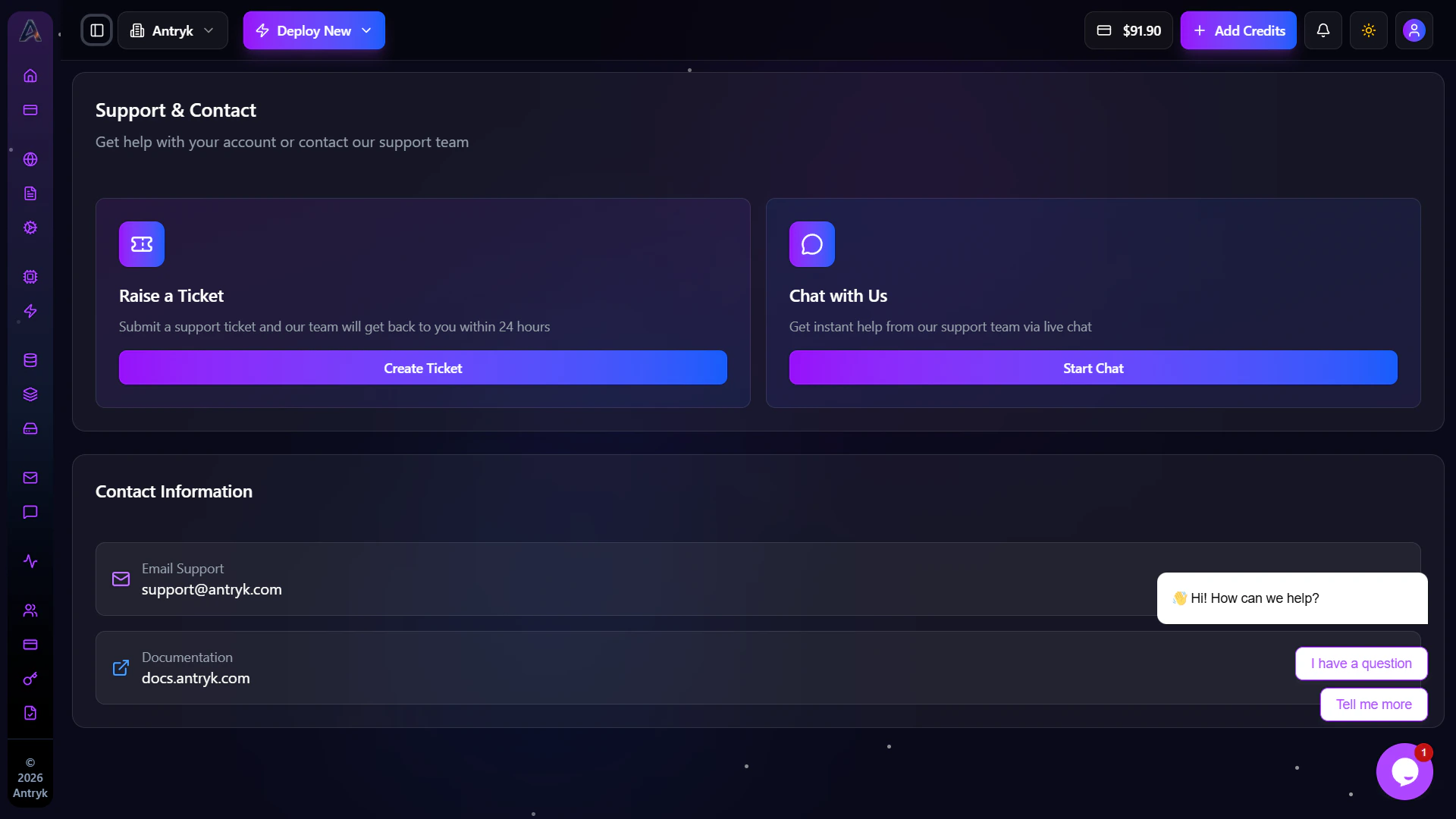
The Support dashboard allows developers to access all support channels from a centralized interface.
Features include:
* Create support tickets
* Start live chat conversations
* Access documentation
* Contact support teams
* Manage support communication
 ***
# Live Chat Interface
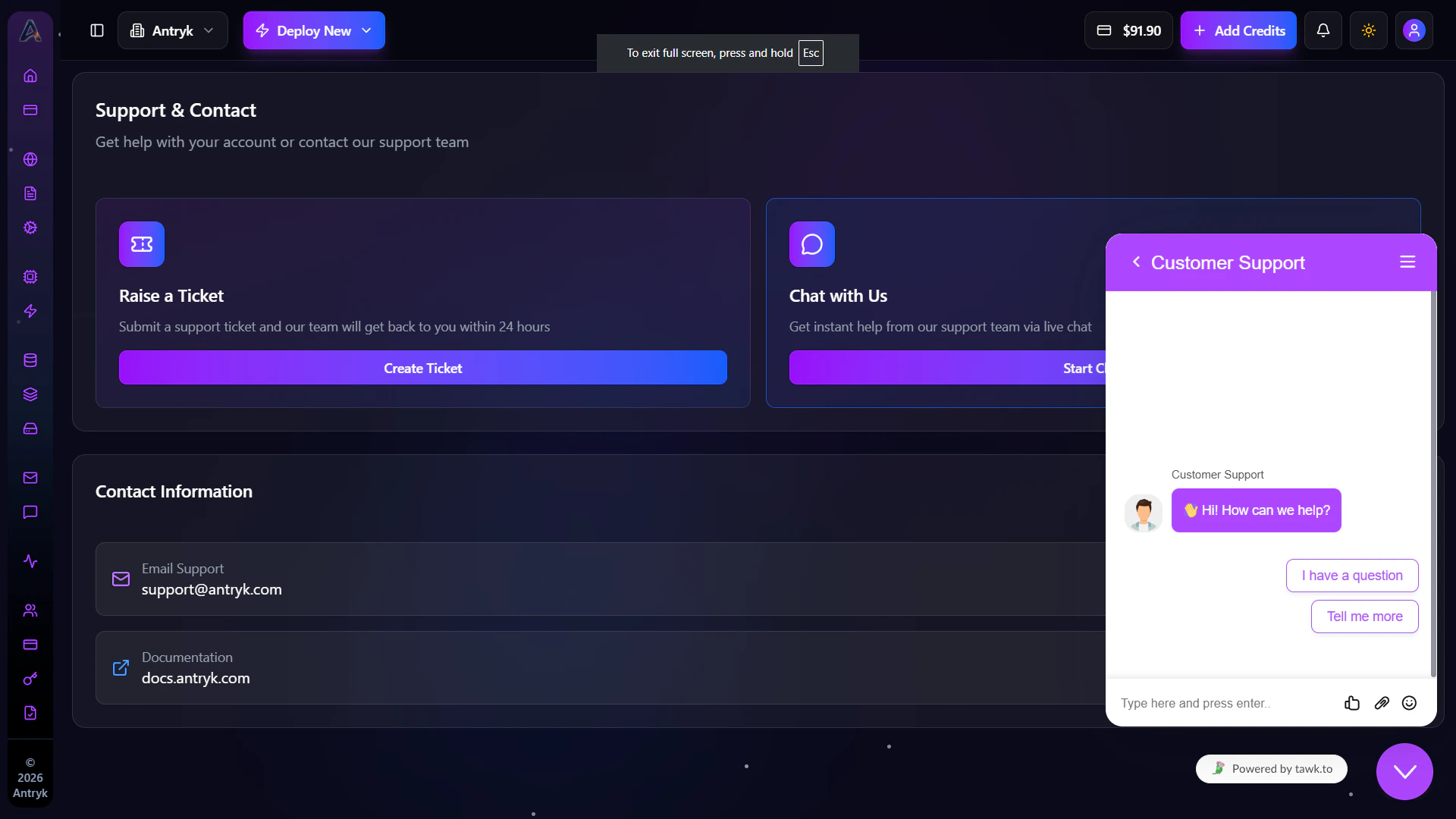
The live chat system allows users to communicate directly with the Antryk support team in real time.
You can:
* Start conversations instantly
* Ask technical questions
* Share deployment issues
* Receive troubleshooting assistance
***
# Live Chat Interface
The live chat system allows users to communicate directly with the Antryk support team in real time.
You can:
* Start conversations instantly
* Ask technical questions
* Share deployment issues
* Receive troubleshooting assistance
 ***
# Getting Help Faster
To receive faster support responses:
* Include deployment IDs
* Share error logs when possible
* Provide affected service names
* Mention regions or runtime versions
* Include screenshots for UI-related issues
For deployment configuration and platform setup guidance, check the Antryk
documentation before creating a support request.
***
***
# Getting Help Faster
To receive faster support responses:
* Include deployment IDs
* Share error logs when possible
* Provide affected service names
* Mention regions or runtime versions
* Include screenshots for UI-related issues
For deployment configuration and platform setup guidance, check the Antryk
documentation before creating a support request.
***