

Support Options
Raise a Ticket
Create a support ticket directly from the Antryk dashboard. The support ticket system helps you:- Report technical issues
- Request infrastructure assistance
- Get deployment troubleshooting help
- Resolve billing questions
- Contact platform support teams
Ticket Response Time
Most support tickets receive a response within 24 hours.Create a Support Ticket
Submit a ticket to the Antryk support team
Live Chat Support
Use live chat to connect instantly with the Antryk support team. Live chat is useful for:- Quick troubleshooting
- Deployment assistance
- Platform guidance
- Account-related questions
- Infrastructure support
Start Live Chat
Chat with the Antryk support team
Contact Information
Email Support
For technical support and account-related queries:Documentation
Developer documentation and platform guides:Support Dashboard
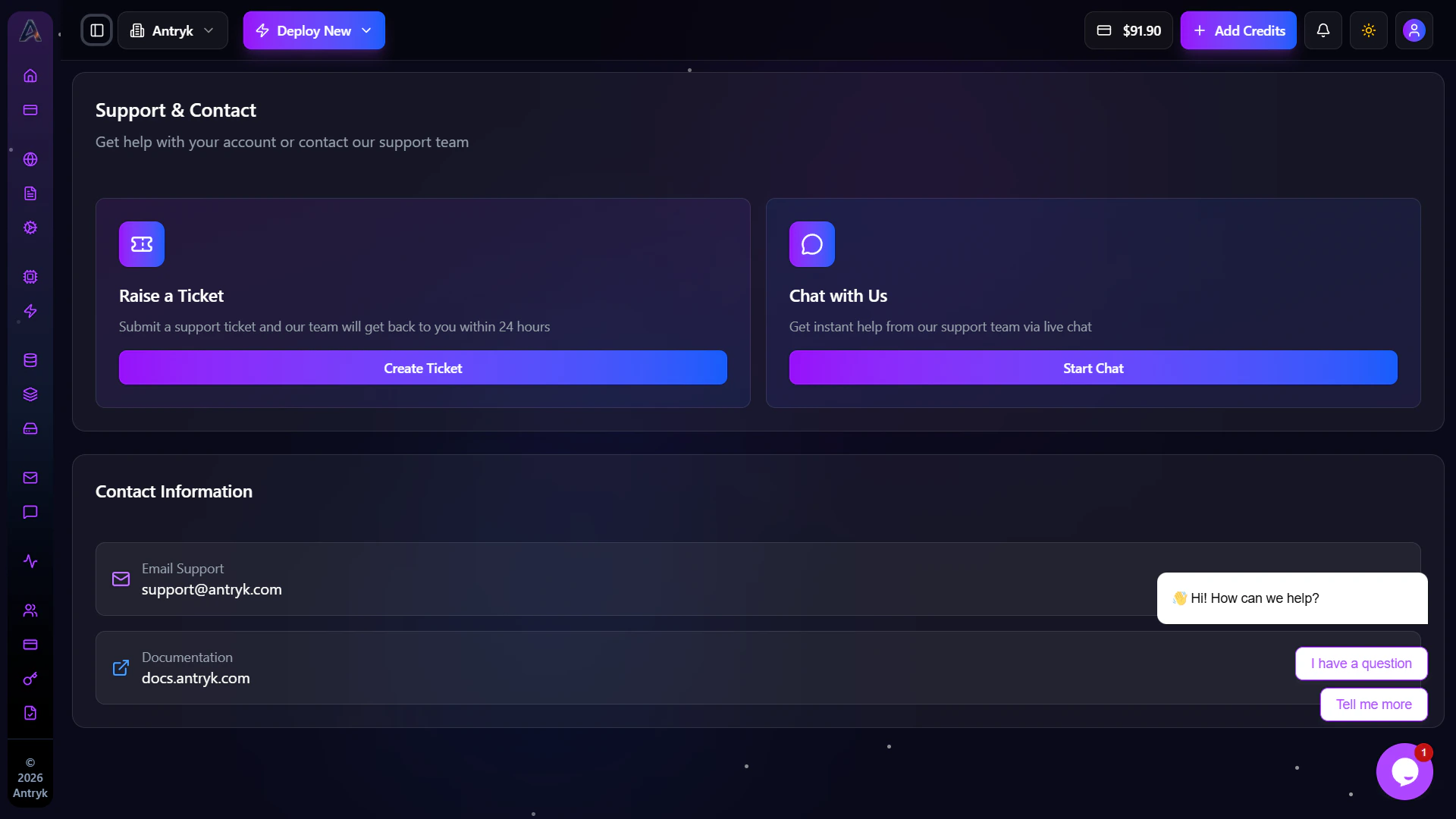
The Support dashboard allows developers to access all support channels from a centralized interface. Features include:- Create support tickets
- Start live chat conversations
- Access documentation
- Contact support teams
- Manage support communication
Live Chat Interface
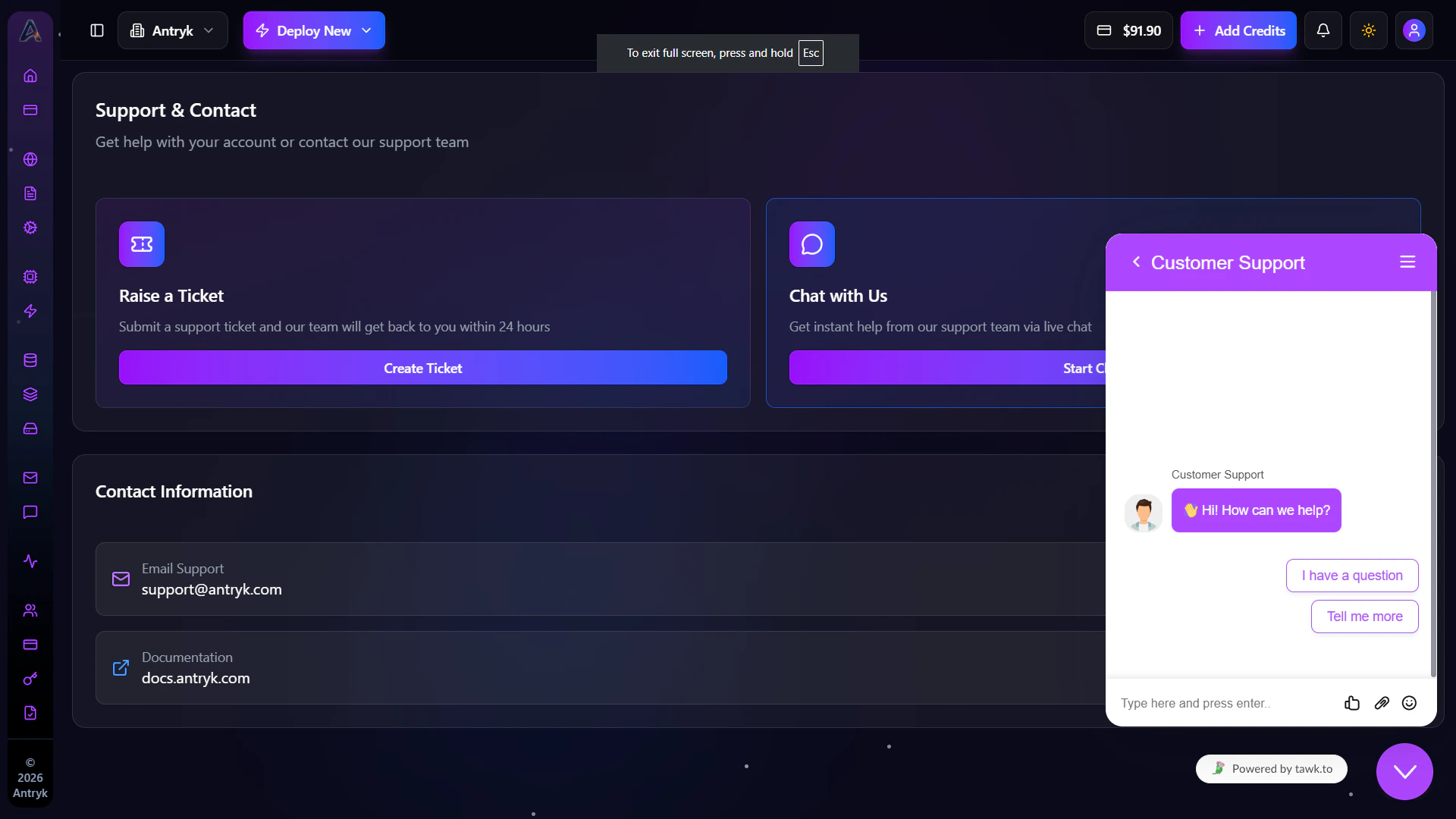
The live chat system allows users to communicate directly with the Antryk support team in real time. You can:- Start conversations instantly
- Ask technical questions
- Share deployment issues
- Receive troubleshooting assistance
Getting Help Faster
To receive faster support responses:- Include deployment IDs
- Share error logs when possible
- Provide affected service names
- Mention regions or runtime versions
- Include screenshots for UI-related issues